
Devices compatible with Trainetic
Heart rate strap, bike sensors, smart trainer, smart treadmill, watch or scale: Trainetic connects to your gear over Bluetooth to follow your session live, and to your Garmin Connect™ and Withings accounts.

Heart rate strap, bike sensors, smart trainer, smart treadmill, watch or scale: Trainetic connects to your gear over Bluetooth to follow your session live, and to your Garmin Connect™ and Withings accounts.
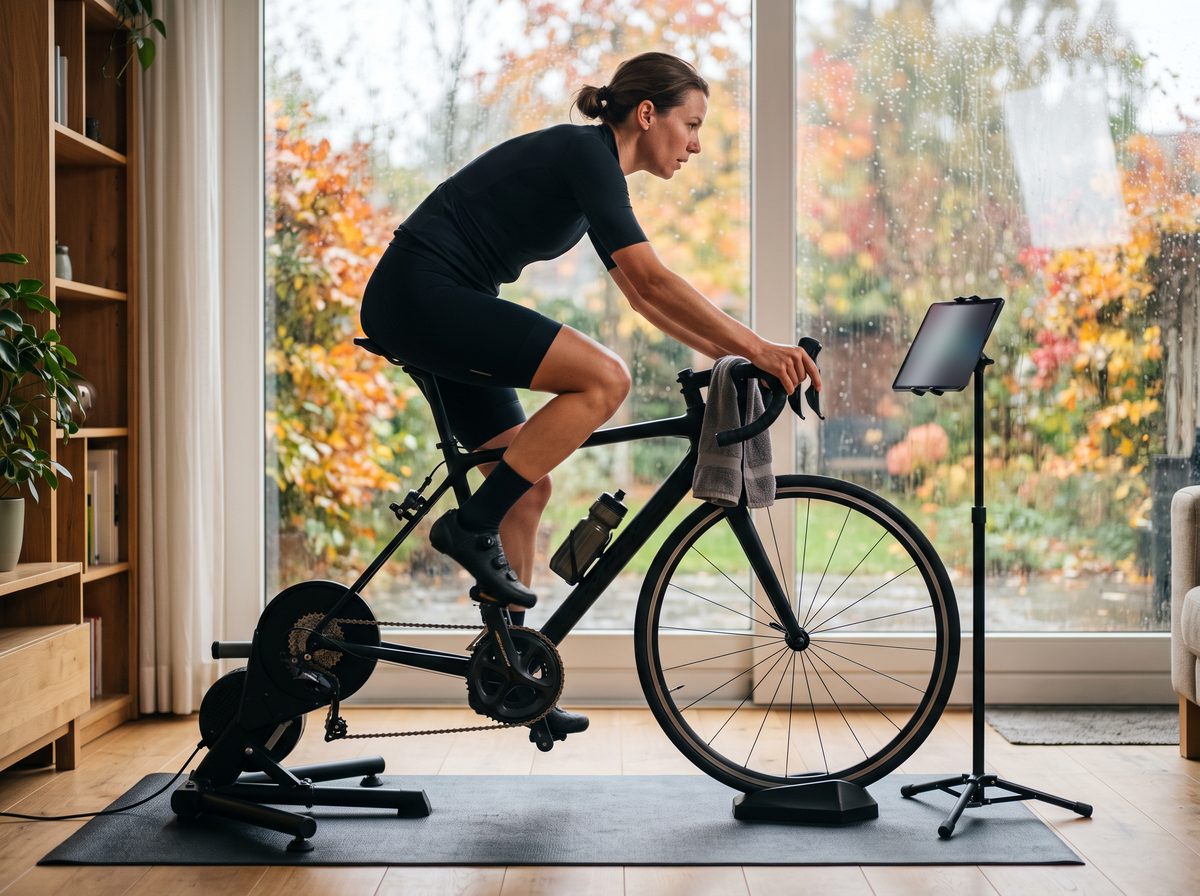
Trainetic doesn't depend on any brand: it reads the Bluetooth standards that manufacturers use. Check your device's spec sheet or box.
Examples of brands with models that transmit over Bluetooth.
| Device | What Trainetic does with it | Example brands |
|---|---|---|
| Heart rate strap or armband | Your heart rate live during the session, recorded with it; your targets in beats per minute when your plan includes them | Garmin (HRM-Dual, HRM-Pro), Polar (H10, H9, Verity Sense), Wahoo (TICKR), COROS |
| Bike speed and cadence sensor | Your cadence and speed live, on the road and indoors | Garmin, Wahoo (RPM) |
| Bike power meter | Your watts live, and your targets in watts when your plan includes them | Favero (Assioma), Garmin (Rally), Stages, 4iiii |
| Foot pod | Your running cadence live | Stryd, Polar (Stride), Zwift (RunPod) |
| Smart trainer | Power, cadence and speed live; with FTMS, Trainetic sets the resistance or power (ERG mode) for each block of your session | Elite, Jetblack, Saris, Tacx, Wahoo (KICKR), Zwift (Hub) |
| Smart indoor bike and gym bike | The same data; control too, if the bike supports FTMS | Stages (SB20), Tacx (NEO Bike), Wahoo (KICKR BIKE), Wattbike |
| Smart treadmill | Speed, distance and incline live; with FTMS, Trainetic sets the speed and incline during a session from your plan | Some Domyos models (Decathlon), KingSmith (WalkingPad), UREVO, Xterra |
| Garmin watch | Your sessions go to your Garmin Connect™ calendar, your activities come back to Trainetic | Garmin, via Garmin Connect™ |
| Smart scale | Your weight and sleep come into Trainetic to fine-tune your program | Withings |
Compatibility depends on the model and its version: check that your device transmits over Bluetooth (and FTMS for control). The brands mentioned belong to their owners; Trainetic is neither affiliated with nor a partner of these brands.
Just once: Trainetic remembers it for your next sessions.
In your account, "Connected apps and devices", then "Add a device". Turn it on or put on your strap: it appears, you tap it.
Trainetic connects your devices at the start. On a computer, you click "Connect" for each one before you begin.
Your heart rate, watts, cadence or speed show up live, and everything is recorded with your session.
Sensors that only speak ANT+, and devices whose manufacturer keeps the data for its own app. On a computer, Safari and Firefox can't connect over Bluetooth: open Trainetic in Chrome or Edge.
Create your account, choose your goal, and connect your devices whenever you like.
Get notifiedYou are arriving on Trainetic through a campaign or from another website. With your consent, we keep this information in your browser for 30 days, to know which campaigns bring people to us if you sign up later. It stays with Trainetic, is never shared and is never used for advertising. Without your consent, nothing is kept and the website works exactly the same way. Learn more
They remember your choice for 6 months and secure the sign-up form.
Keeps, for 30 days, the campaign or website you came from, to link it to your sign-up.